Tin tức visa
Hướng dẫn cách hoàn thành thành công mẫu đơn DS-160 trực tuyến | HappyBook Travel
Mục lục

- What Is the DS 160 Online Application Form?
- Who Needs to Fill Out the DS 160 Form?
- Documents Required Before Filling the DS 160 Online Application Form
- Step-by-Step Guide to Complete the DS 160 Online Application Form
- Step 1: Access the Official DS-160 Website
- Step 2: Save Your Application ID and Create a Security Question
- Step 3: Add Applicant Information
- Step 4: Fill in Passport Information
- Step 5: Enter U.S. Travel Information
- Step 6: Provide Travel History and Companion Information
- Step 7: Enter Family and Contact Information
- Step 8: Enter Work or Education Information
- Step 9: Answer Security Questions and Upload Your Visa Photo
- Step 10: Review and Submit Your DS-160 Form
- Common Mistakes When Completing the DS 160 Online Application Form
- How Long Does It Take to Complete the DS-160 Form?
- DS 160 Online Application Form Fees and Costs
The DS-160 online application form is a crucial requirement for most applicants seeking a U.S. non-immigrant visa. Completing the form accurately and providing truthful information can help reduce mistakes and improve the overall visa application process. In this guide, HappyBook Travel will walk you through the key steps, required documents, and important notes you should know before attending your U.S. visa interview.
What Is the DS 160 Online Application Form?
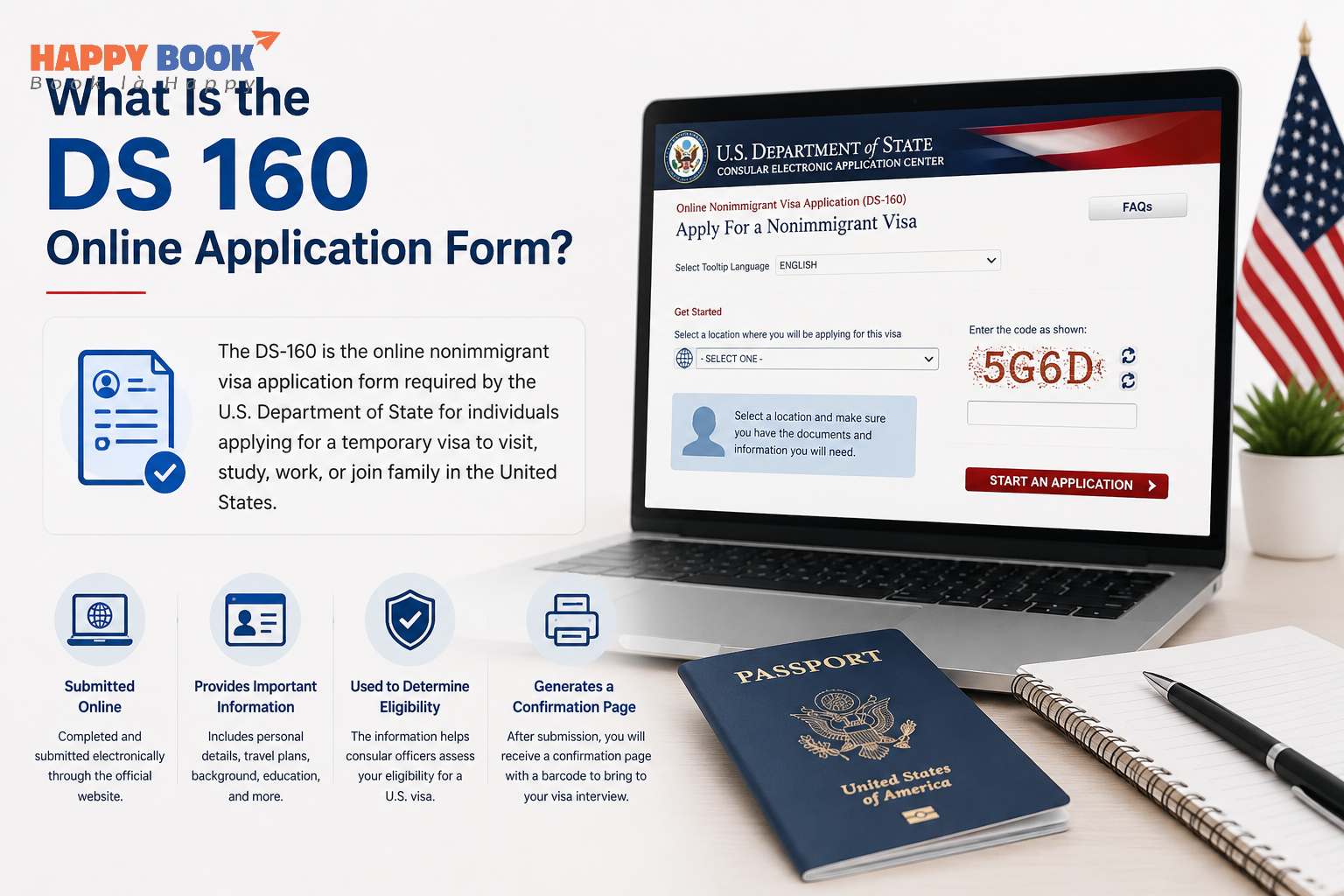
The DS-160 online application form is an online U.S. visa application form for individuals who want to travel to the United States temporarily for purposes such as tourism, business, study, exchange programs, or short-term work.
The full name of this form is the DS-160 online non-immigrant visa application form. It is a mandatory form for most U.S. nonimmigrant visa applicants, including F-1 students and J-1 exchange visitors. Applicants must complete and submit the DS-160 online before attending their visa interview at a U.S. Embassy or Consulate.
After submitting the DS-160 online application form, the system will generate a DS-160 confirmation page with a barcode. Applicants are required to print and bring this confirmation page to their visa interview. However, submitting the DS-160 online non-immigrant visa application form does not mean the visa has been approved; it is only the first step in the U.S. visa application process.
Who Needs to Fill Out the DS 160 Form?
The DS-160 form is required for most individuals applying for a U.S. non-immigrant visa. Anyone planning to travel to the United States temporarily for tourism, business, study, exchange programs, or short-term work must complete and submit this form before attending a visa interview at a U.S. Embassy or Consulate.
Applicants who typically need to complete the DS-160 form include:
-
Applicants for B1/B2 visas traveling for leisure or business.
-
Foreign students pursuing F-1 or M-1 student visas.
-
Scholars and exchange visitors applying for J-1 visas.
-
Temporary workers applying for H, L, O, or P visas.
-
Fiancé(e) visa applicants applying for K visas.
-
Children and dependents traveling with the main applicant must each have a separate DS-160 form.
Documents Required Before Filling the DS 160 Online Application Form
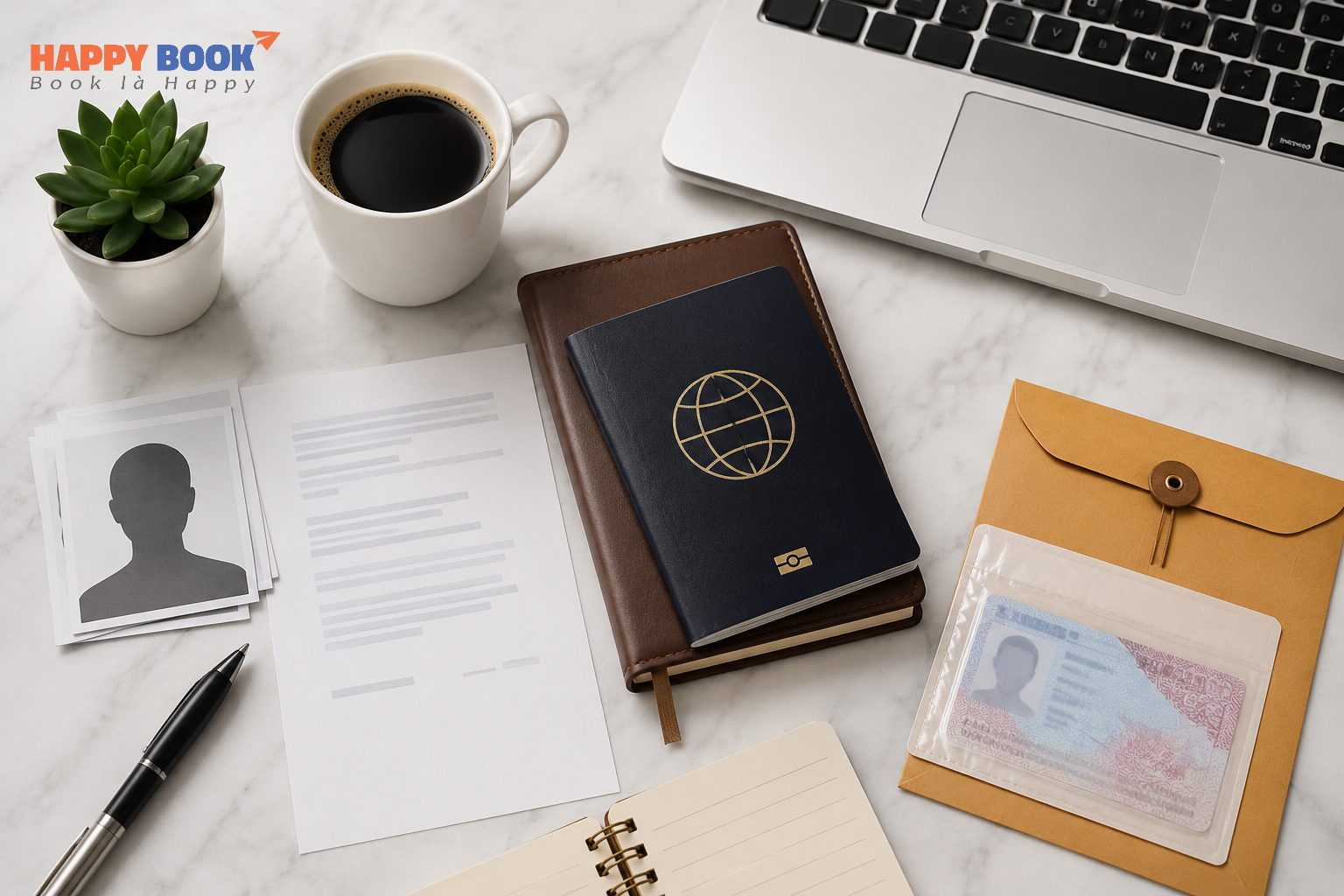
Before completing the DS-160 online visa application form, applicants should prepare all necessary documents and information in advance to make the process faster and more accurate. Proper preparation can help reduce mistakes, avoid delays, and prevent the need to start the form over.
Required documentation and information can include:
-
A valid passport.
-
A U.S. visa photo with a white background that meets the required size specifications.
-
Basic applicant information, including name, birth date, address, contact number, and email.
-
Details about current employment or academic status.
-
Travel history and previous U.S. visits (if any).
-
Contact information of a person in the U.S. or a U.S. address where you will stay.
-
Your planned travel itinerary.
-
Family background and relatives’ information.
-
SEVIS ID and Form I-20 or DS-2019 for F-1/J-1 student or exchange visas.
-
Financial information or monthly income details, if required.
In addition, applicants should have a stable internet connection and keep their Application ID while completing the DS-160 online visa application form so they can continue the form later if necessary.
Step-by-Step Guide to Complete the DS 160 Online Application Form
Completing the DS-160 online US visa application form will be much easier if you prepare all the required documents in advance and provide accurate information based on your passport and personal records. Below is a detailed step-by-step guide to help you complete the DS-160 form correctly.
Step 1: Access the Official DS-160 Website
Visit the official U.S. Department of State website to start your DS-160 online US visa application form at: https://ceac.state.gov/genniv/
On the first page:
-
Select your application location (Hanoi or Ho Chi Minh City).
-
Enter the captcha code.
-
Click “Start An Application” to begin a new application.
If you previously saved your application, select “Retrieve An Application” to continue.
Step 2: Save Your Application ID and Create a Security Question
After you start your application, the system will generate an Application ID, which will appear in the upper-right corner of the screen.
You should:
-
Be sure to save the Application ID for future reference.
-
Choose a security question.
-
Enter an easy-to-remember security answer.
This information allows you to return and continue your DS-160 online US visa application form later if needed.
Step 3: Add Applicant Information
You will need to enter the following details in this section:
-
Your passport-issued full name;
-
Complete name in your native language;
-
Gender;
-
Marital status;
-
Date of birth;
-
Nationality.
Important notes:
-
Your name should be entered without accents, exactly as it appears on your passport.
-
Carefully double-check your date of birth and passport details to avoid errors.
Step 4: Fill in Passport Information
Prepare your passport and enter the following details accurately:
-
Passport number;
-
Passport type;
-
Place of issue;
-
Issuance date;
-
Expiration date.
If the “Passport Book Number” field appears, you may select “Does Not Apply” if it is not applicable to your passport.
Step 5: Enter U.S. Travel Information
In the Travel Information section, you will need to provide:
-
Details regarding the purpose of your U.S. visit;
-
Visa category;
-
Intended arrival date;
-
Intended length of stay;
-
U.S. address where you will stay.
Step 6: Provide Travel History and Companion Information
You might encounter questions including:
-
Whether you will be traveling with anyone else.
-
Whether you have traveled to the United States before.
-
Whether you have ever been issued or denied a U.S. visa.
-
What is your history of international travel?
Step 7: Enter Family and Contact Information
This section includes:
-
Current address;
-
Phone number;
-
Email address;
-
Parents’ information;
-
Relatives in the United States (if any);
-
U.S. point of contact information.
Step 8: Enter Work or Education Information
Details to be entered include:
-
Current occupation;
-
Employer or school name;
-
Work or school address;
-
Monthly income;
-
A concise explanation of your work duties.
Step 9: Answer Security Questions and Upload Your Visa Photo
The system will require you to answer several security-related questions regarding:
-
Security background;
-
Criminal history;
-
Immigration status;
-
Health conditions.
You must submit a U.S. visa photo that satisfies the required guidelines:
-
5x5 cm size;
-
White background;
-
Clear facial image;
-
No glasses.
Step 10: Review and Submit Your DS-160 Form
Before submitting your DS-160 online US visa application form:
-
Carefully review all information in the “Review” section.
-
Make sure all information, including your name, passport number, and date of birth, is accurate.
Then:
-
Click “Sign and Submit Application”.
-
Confirm your submission.
After submission, the system will generate a DS-160 Confirmation Page with a barcode.
You should:
-
Print the confirmation page.
-
Save a PDF copy or screenshot.
-
Bring it when paying the visa fee and attending your U.S. visa interview.
Common Mistakes When Completing the DS 160 Online Application Form
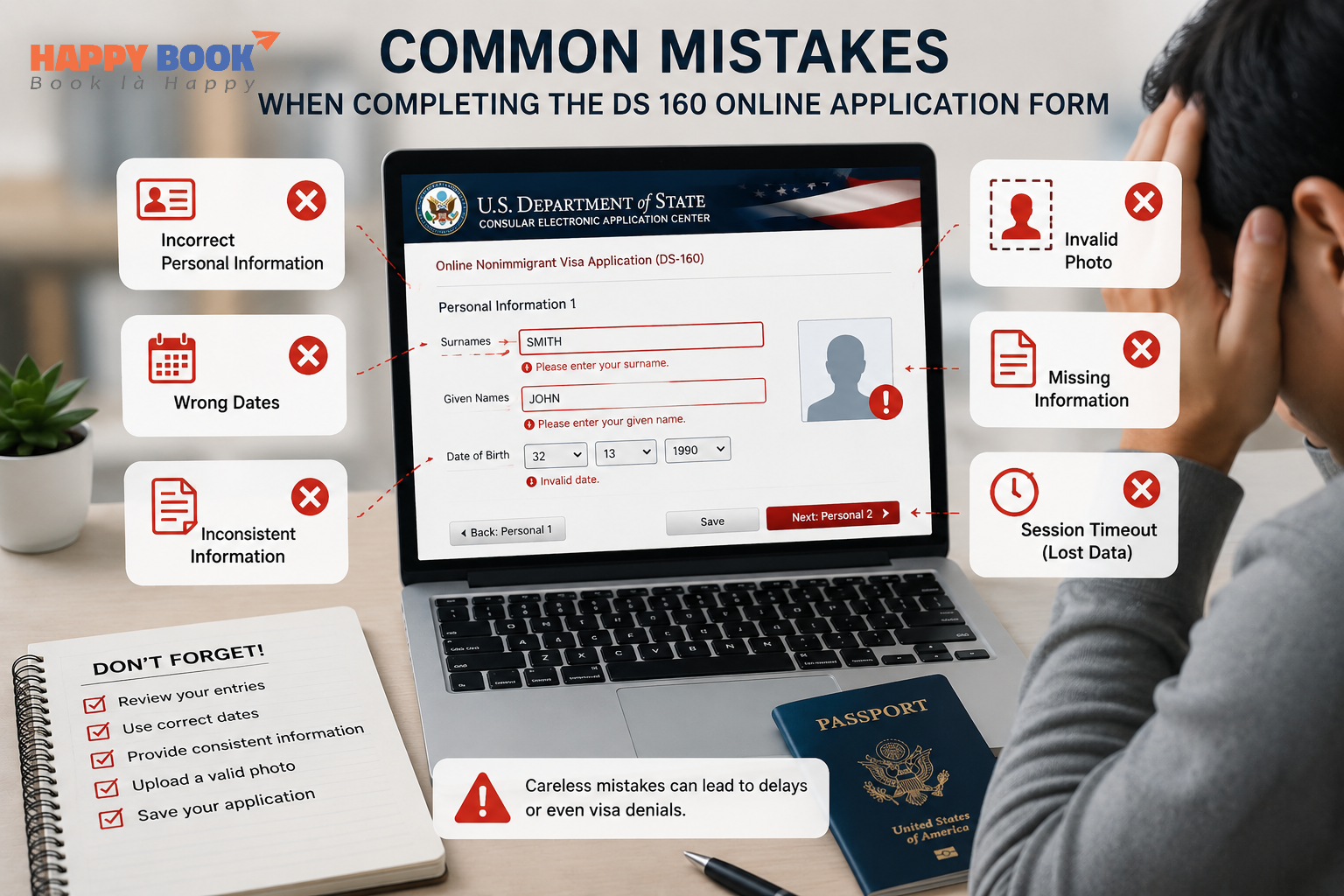
When completing the DS-160 online application form, applicants should be careful because even small mistakes can delay the visa process or require corrections. Most errors occur when information is entered incorrectly, answers are inconsistent, or the form is submitted without a final review.
-
Entering incorrect passport information: Make sure your name, passport number, date of birth, and passport expiration date match your passport exactly.
-
Using the wrong language or format: Most answers must be written in English. Only the “Full Name in Native Language” section can be completed in your native language.
-
Providing inconsistent information: Your answers should match your travel purpose, employment, education, and financial documents.
-
Forgetting to declare travel or visa history: Include previous U.S. visits, visa refusals, and international travel history if applicable.
-
Choosing the wrong visa type: Select the visa category that matches your actual purpose of travel.
-
Forgetting to save the Application ID: Save your Application ID so you can return to your form if needed.
-
Not reviewing the form before submission: Check all details carefully before clicking “Sign and Submit Application.”
-
Forgetting to print the confirmation page: After submission, print and keep the DS-160 confirmation page with the barcode for your visa appointment.
How Long Does It Take to Complete the DS-160 Form?
In most cases, applicants should plan to spend around 60 - 90 minutes completing the DS-160 form online. The actual time may vary depending on how well they have prepared their personal documents and travel information in advance.
For those searching for information about the DS- 60 online visa application form India, the DS-160 process is generally the same as in other countries. Applicants in India are also required to complete the DS-160 online form before scheduling a U.S. visa interview at a U.S. Embassy or Consulate in India.
While completing the form, the DS-160 system will automatically log you out after approximately 20 minutes of inactivity. Therefore, you should save your application regularly to avoid losing information. It is also important to write down your “Application ID” so you can return and continue your application later if needed.
DS 160 Online Application Form Fees and Costs
The DS-160 online application form can be completed and submitted free of charge, but applicants are still required to pay the U.S. visa application fee, also known as the MRV fee, after submitting the form. This fee is used to schedule a visa interview, and the most common visa categories, such as B1/B2, F-1, and J-1, currently cost around USD 185.
In addition to the visa fee, applicants may also need to pay other expenses, including:
-
SEVIS fee for F-1 or J-1 visas;
-
Charges related to translation and notarization;
-
U.S. visa photo costs;
-
Travel and interview expenses;
-
Fees for updating or correcting application information if necessary.
Keep in mind that U.S. visa fees are usually not refundable or transferable, even if the visa application is denied. After the payment is successfully processed, applicants can schedule their U.S. visa interview through the official system.
The DS-160 online application form plays an important role in the U.S. visa application process. Applicants should prepare their documents in advance and review all details carefully before submitting the form. With proper preparation, the process can become clearer, easier, and more efficient.